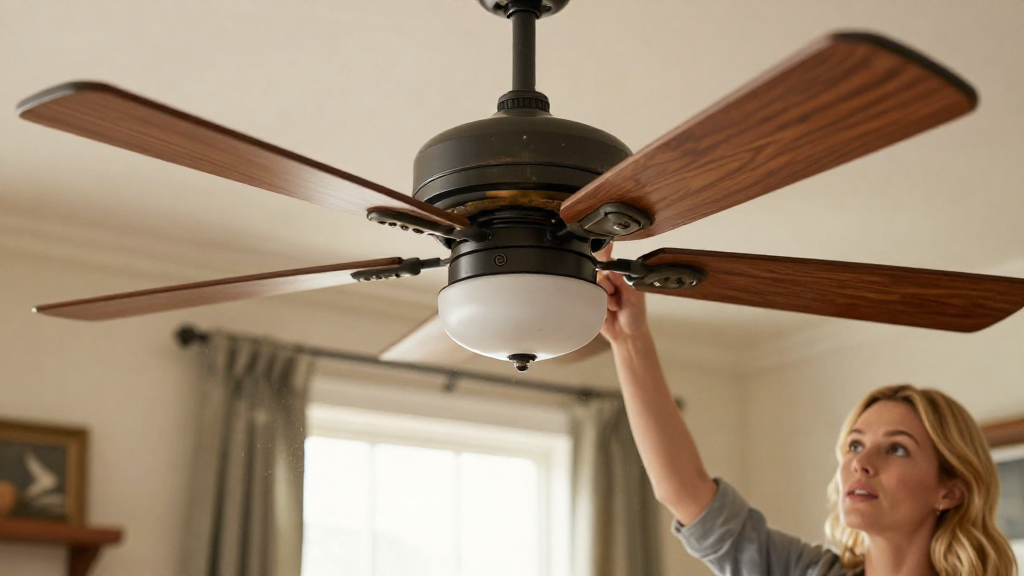
If you’ve ever found yourself wondering, “why is my fan making noise?” you are not alone. Fans, whether ceiling, box, or desk, are commonly used appliances in homes and offices.
They provide comfort during hot days and circulate air, but when they start making unexpected noises, it can be a cause for concern.
Let’s dive deeper into the possible reasons behind the noise and how you can fix it.
What Are the Common Causes of Fan Noise?
There are several factors that could contribute to your fan making noise. Here are some of the most prevalent causes:
- Loose Blades: Over time, screws that hold the blades in place can become loose due to constant operation.
- Worn-Out Bearings: Fans have bearings that can wear out, causing friction and a resulting noise.
- Debris Accumulation: Dust, dirt, or other debris can accumulate in the fan, affecting its performance.
- Imbalanced Blades: If one or more of the fan blades is damaged or imbalanced, it may generate noise while spinning.
- Electrical Issues: Worn or damaged motor wires can lead to buzzing or humming noises.
- Fan Setting: Higher speed settings usually make more noise than lower settings.
How Can I Identify the Source of the Noise?
So now you’re asking, “how can I identify the source of the noise from my fan?”
Here are some steps to help you determine the origin of the noise:
- Observe the Noise Type:
- Is it a rattling, humming, or clicking sound?
-
Different sounds indicate different issues.
-
Check the Fan’s Location:
- Is the fan on an uneven surface?
-
A fan that’s not level can vibrate and create noise.
-
Examine the Blades:
- Turn off the fan and inspect the blades for dirt, dust, or any visible damage.
-
Try to rotate the blades by hand to check for friction or blockage.
-
Listen While Operating:
- Turn the fan back on and pay attention to when the noise occurs.
- Does it happen at a specific setting?
What Are the Easy Fixes for Fan Noise?
When tackling the question of “why is my fan making noise,” typically, you can perform these simple fixes at home:
1. Tighten Loose Screws and Bolts
If your fan has loose blades, the easiest fix is to tighten the screws and bolts.
Here’s how:
- Gather your tools: You may need a screwdriver or wrench.
- Power off the fan: Ensure it’s unplugged.
- Check each blade: Make sure screws are snug but don’t overtighten them.
2. Clean the Fan
Regular cleaning can prevent noise caused by dust and debris.
To clean your fan:
- Dust the Surface: Use a dry cloth or vacuum attachment.
- Remove Blades (if applicable): Follow the manufacturer’s instructions.
- Use a damp cloth: Wipe down blades and motor housings to remove any buildup.
3. Inspect the Bearings
If you’re still wondering “why is my fan making noise,” it may be time to inspect the bearings.
For proper maintenance:
- Turn off and unplug the fan.
- Locate the bearings: Check if they require lubrication.
- Use an appropriate lubricant: Apply a small amount of oil if necessary.
4. Check for Imbalanced Blades
An imbalanced fan blade can produce a lot of noise.
To check:
- Once the fan is off, look at the blade alignment.
- Adjust the weight: If possible, you may need to add tape or weight to the lighter blade.
5. Address Electrical Issues
If the noise sounds electrical (like buzzing), it may require professional help.
However, for basic checks:
- Inspect the power cord: Look for fraying or damage.
- Listen carefully: If the noise comes from the motor, it might need replacement.
What Should You Avoid When Fixing a Noisy Fan?
When dealing with the question of “why is my fan making noise,” it’s essential to steer clear of some common mistakes:
-
Ignoring Important Signs:
If the fan makes irregular sounds such as grinding, turn it off immediately to prevent further damage. -
DIY Repairs Beyond Your Skill Level:
If you’re not comfortable handling electrical components or extensive repairs, contact a professional. -
Forgetting to Unplug the Fan:
Remember to always disconnect the power before attempting any repairs.
When Should You Call in a Professional?
If you have tried the basic fixes and still ponder “why is my fan making noise,” it may be time to call a professional. Indicators include:
- Persistent noise that does not go away
- Significant performance issues (not spinning correctly)
- Electrical odors or burnt smells
- Professional inspections can prevent more extensive damage
Conclusion
In conclusion, a noisy fan can be both annoying and concerning.
Understanding why your fan is making noise can help you pinpoint the issue and rectify it effectively.
Whether it’s simply tightening screws, cleaning blades, or inspecting bearings, most fixes are manageable.
By taking preventative measures, you can extend the life of your fan and enjoy peaceful, unobtrusive cooling.
Should you encounter persistent issues, don’t hesitate to consult with a professional to ensure appropriate solutions are implemented.
Your comfort should never be compromised by a noisy appliance!