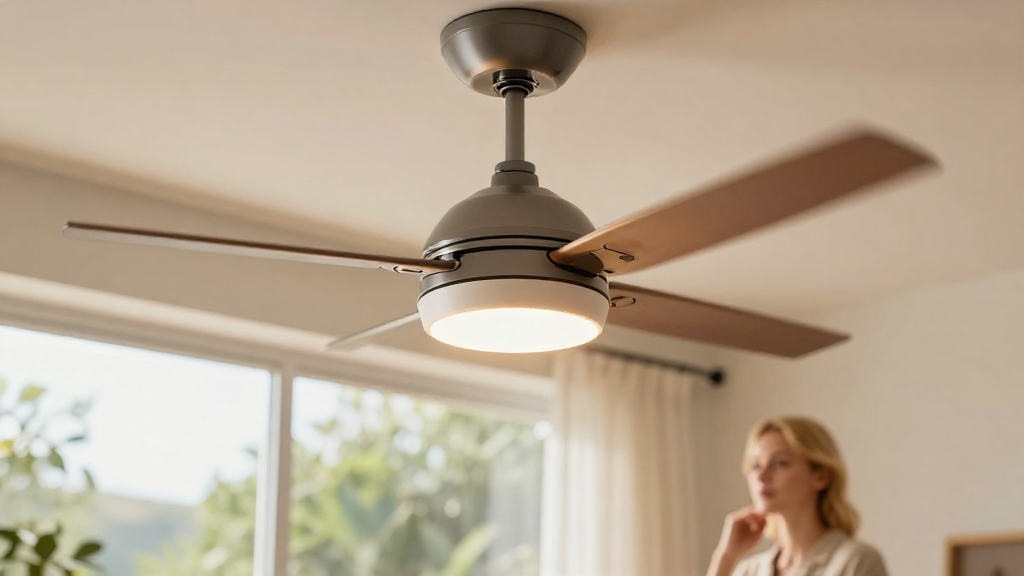
Are you looking to learn how to increase fan speed safely in your home or office? Whether you’re trying to improve air circulation, cool down a room, or enhance the performance of a computer cooling fan, there are several methods to do so while ensuring safety and efficiency.
Why Do You Need to Increase Fan Speed?
Increasing your fan speed can be beneficial for various reasons:
- Cooling Efficiency: Higher fan speed often leads to better airflow, which can dramatically reduce temperature in an environment.
- Noise Management: Sometimes, a fan running at a higher speed can help in masking unwanted noises, particularly in a workspace.
- Preventing Overheating: In devices like computers or gaming consoles, increased fan speed can help maintain optimal temperatures, preventing potential damage from overheating.
When figuring out how to increase fan speed, it’s important to consider both safety and efficiency to avoid damaging your electrical appliances or overloading circuits.
What Are the Best Methods to Increase Fan Speed?
There are several practical methods to increase fan speed safely. Here are some of the most effective solutions:
1. Adjustable Fan Settings
Most modern fans come equipped with adjustable settings.
-
Fan Control Switches: Check for settings on your fan that allow you to increase its speed manually. Most ceiling and floor fans have multiple speed settings.
-
Remote Controls: Many contemporary fans include remote control options, adding convenience to adjusting speeds from a distance.
2. Use of External Fan Controllers
In cases where your fan doesn’t have adjustable settings, consider using external fan controllers.
-
Dimmer Switches: These can be used for some AC fans, allowing users to control speed levels efficiently.
-
Electronic Fan Controllers: Specialized controllers designed for fans are available at hardware stores and can be installed to enable speed adjustments.
3. Optimize Fan Placement
The placement of your fan can tremendously impact its effectiveness.
-
Location: Position fans near windows or doors to maximize airflow. This helps in creating cross-ventilation that can cool down a room effectively.
-
Angle Adjustment: Tilt the fan or change its angle to direct airflow at yourself or at a specific problem area, increasing perceived speed.
4. Regular Maintenance of the Fan
Regular maintenance can significantly improve your fan’s performance.
-
Clean the Blades: Dust and dirt can impede the fan’s ability to spin quickly. Regularly clean fan blades with a damp cloth.
-
Lubricate Moving Parts: If your fan is a model with moving belts or bearings, ensure they are well-lubricated to reduce friction, allowing for higher speed options.
5. Upgrade to High-Performance Fans
If you often require increased speed and efficiency, consider upgrading your fan.
-
Higher Watts: Look for fans with higher wattage ratings. These typically provide better airflow and are often engineered for higher speeds.
-
EC Motors: Energy-efficient motors can get you better performance while consuming less power, which is a win-win.
6. For Computer and Electronics: Software Solutions
For electronic devices, there are different methods to consider.
-
Fan Control Software: Download software that allows for fan speed adjustments based on temperature readings. Programs like SpeedFan or MSI Afterburner are excellent for controlling GPU or CPU fans.
-
BIOS Settings: Some electronic devices let you adjust fan speeds through BIOS settings. Access these settings during boot-up to find optimal configurations to maintain safe operating temperatures.
7. Thermoregulation Techniques
Use clever techniques to help your fan work more effectively and efficiently.
-
Ice Packs in Front: Placing a bowl of ice or ice packs in front of your fan can help cool the airflow, effectively making it feel more powerful without exceeding the fan’s speed.
-
Heat Source Management: Turn off heat-generating appliances when using a fan. This will help create a cooler space that may not necessitate increased fan speed.
What Precautions Should You Take?
When learning how to increase fan speed, it’s essential to prioritize safety. Here are some precautions to consider:
-
Avoid Overloading Circuits: Always check if your electrical outlets can handle the wattage of the fan and any additional devices you may be using.
-
Monitor for Unusual Noises: If your fan starts making unusual sounds when increased, it might be a sign of mechanical failure. Turn it off and check for any issues.
-
Never Block Airflow: Ensure that no objects are obstructing the fan’s airflow, as this can lead to overheating and decreased efficiency.
Conclusion
Knowing how to increase fan speed safely can significantly enhance your comfort and efficiency in many areas.
From adjusting settings and optimizing placement to upgrading equipment and using software, there are numerous strategies you can employ.
Regular maintenance and safety precautions go hand-in-hand with these methods to ensure that you protect your fan while maximizing its potential.
ByTaking the time to implement these techniques, you can enjoy a cooler, more comfortable environment without compromising on safety or performance. So, go ahead and give these tips a try!